
Handling Client Capacity
Last updated 10 April 2025
Learn how to stay within your subscription limits, manage your active client roster, and deactivate clients when needed.
Every coach on bolder.fit has a client capacity based on their subscription tier. This ensures quality coaching and fair usage. If you reach your limit, you can always make space—without losing your client data.
🎯 Understanding Client Capacity
Your active client limit is defined by your current subscription plan.
- For example, if your plan includes 10 clients, you can only have 10 active clients at a time.
- You can receive unlimited requests, but you’ll need to deactivate an existing client to accept a new one once your limit is reached.
💡
Quick Tip:
Inactive clients don’t count toward your capacity and can be reactivated later.
👥 How to Deactivate a Client
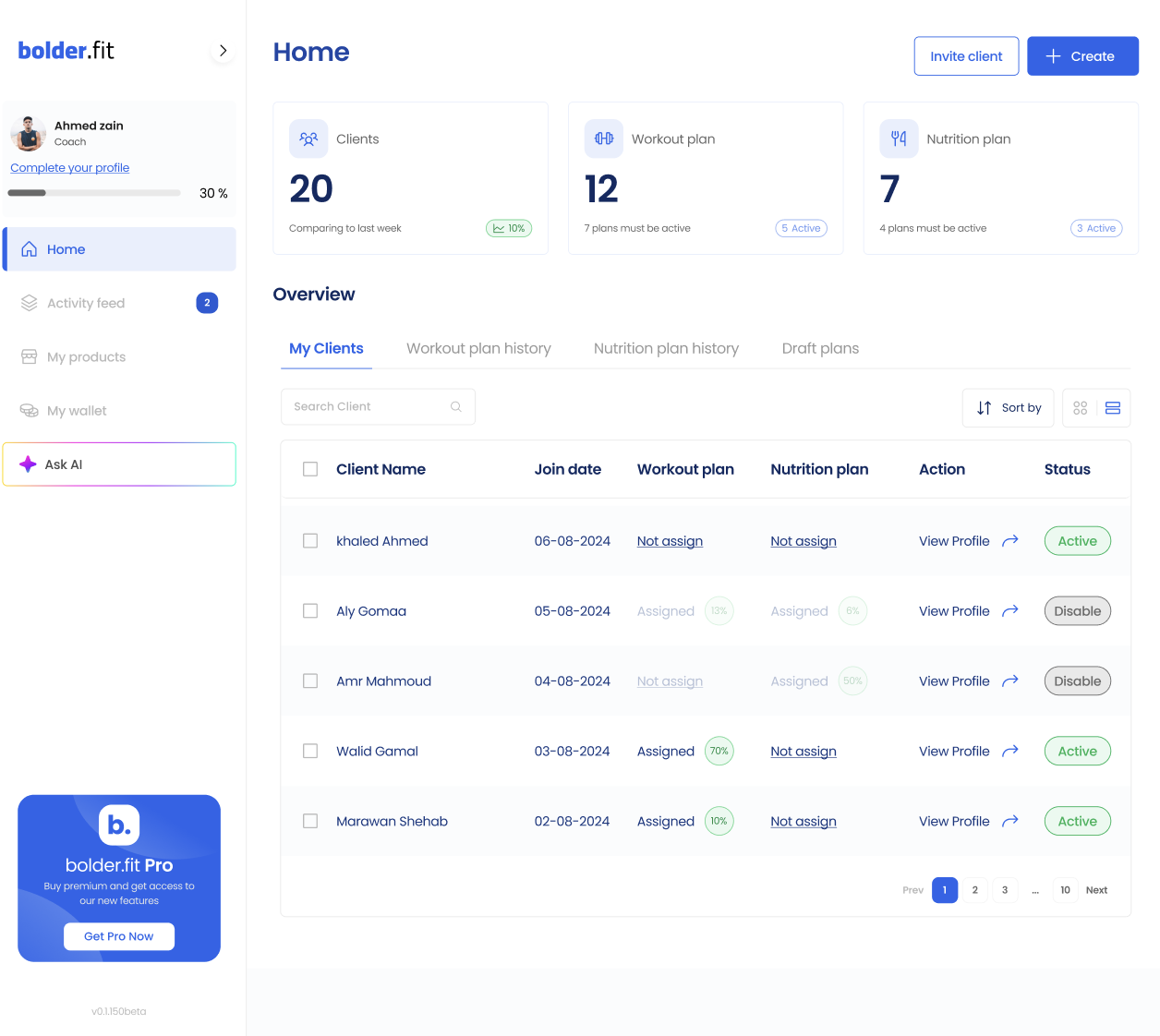
- Go to the Clients tab.
- Locate the client you want to deactivate.
- Click the three-dot menu or Deactivate button.
- Confirm your choice.
Once deactivated:
- The client will no longer have access to your coaching or plans.
- You can reactivate them later without losing any of their data.
🔄 Reactivating a Client
To reactivate:
- Go to your Deactivated Clients list (under filters).
- Click Reactivate on any client (if you have space).
- Their access will be restored and plans re-linked.
✅
All previous plans and logs will be intact upon reactivation.
📈 Pro Tip: Upgrade When You’re Ready
If you consistently hit your client limit, it might be time to upgrade your subscription to support a growing roster.
Head to the Subscriptions Page to explore your options.